Choose your apps
Select the apps you want to protect using Apple’s Screen Time controls.
 Bible Focus · Screen Time Lock
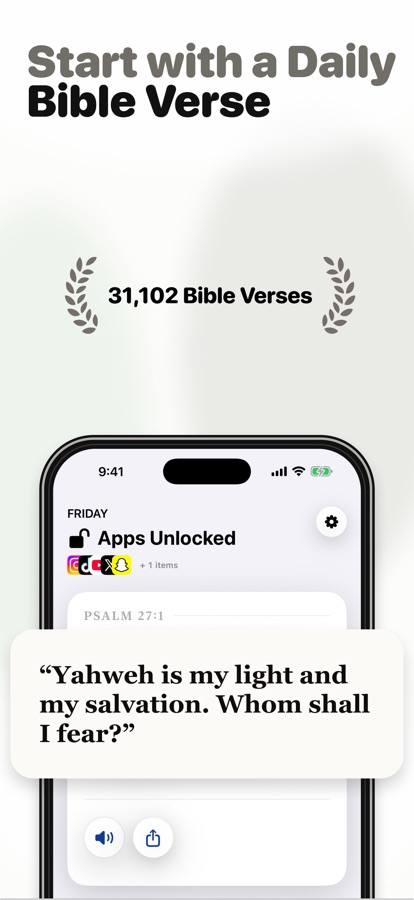
Bible Focus helps you open the Bible before opening everything else. Read today’s passage, then unlock the apps that usually pull your attention away.
For iPhone · Uses Apple Screen Time · Subscription required after onboarding
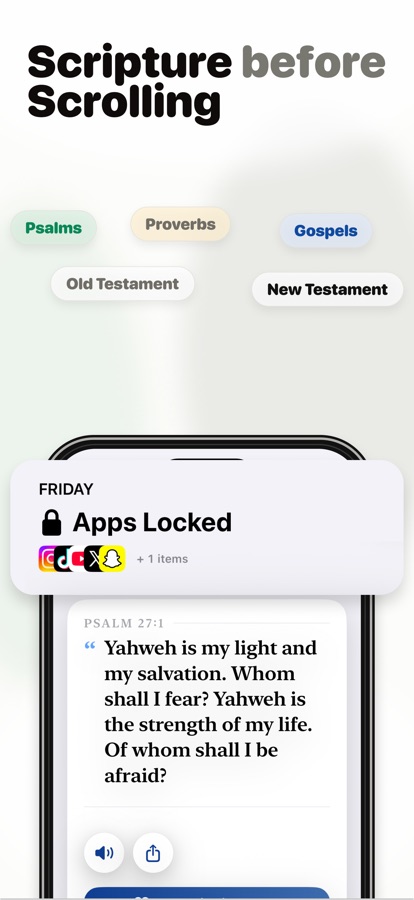
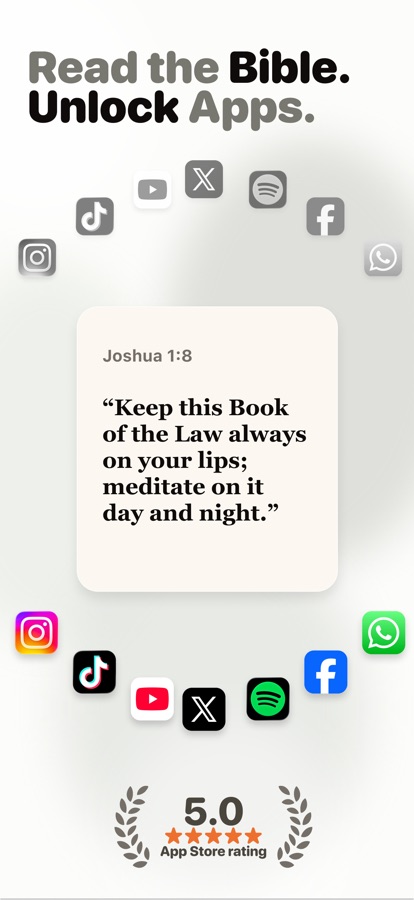
Attention with intention
Instead of relying on willpower, Bible Focus turns the moment you reach for a distracting app into a cue to return to Scripture.
Select the apps you want to protect using Apple’s Screen Time controls.
Open today’s verse or passage and give Scripture the first part of your attention.
Finish the reading, unlock your chosen apps, and build a repeatable Bible-first rhythm.
Inside Bible Focus
The experience stays intentionally simple: protect attention, read Scripture, and see consistency grow.
A Bible-first habit system
Helpful structure surrounds the reading without turning faith into another productivity contest.
Choose the apps that compete most often for your attention.
Begin with one focused verse or passage before distractions return.
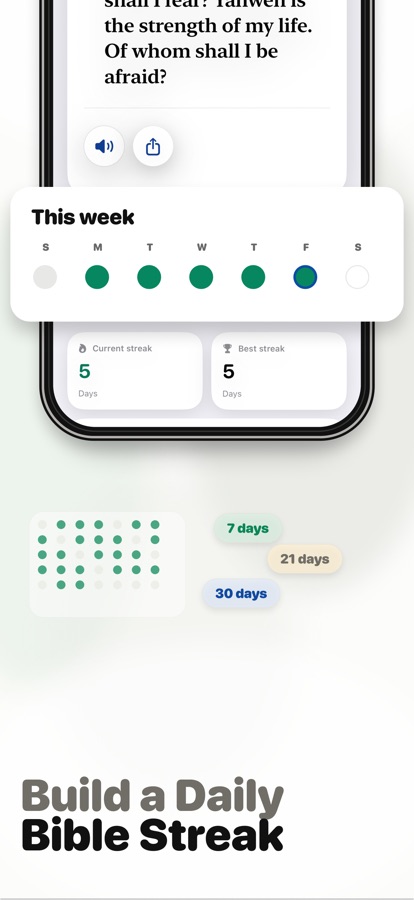
See the consistency you are building across days and weeks.
Schedule a nudge around the times you are most likely to drift.
Keep the habit visible before you reach for another app.
Listen to Scripture when reading on screen does not fit the moment.
Apple-native controls
Bible Focus uses Apple’s Screen Time framework for the apps you choose. Review the published privacy policy for complete details about the app and its services.
Common questions
No. You choose which apps to protect with Screen Time.
Complete the day’s Bible reading inside Bible Focus to continue.
Yes. Bible Focus Pro is required after onboarding for app locks and the full habit system.
One verse today
Turn the pull of another app into a daily invitation back to the Bible.
Download Bible FocusMore from Bible Apps